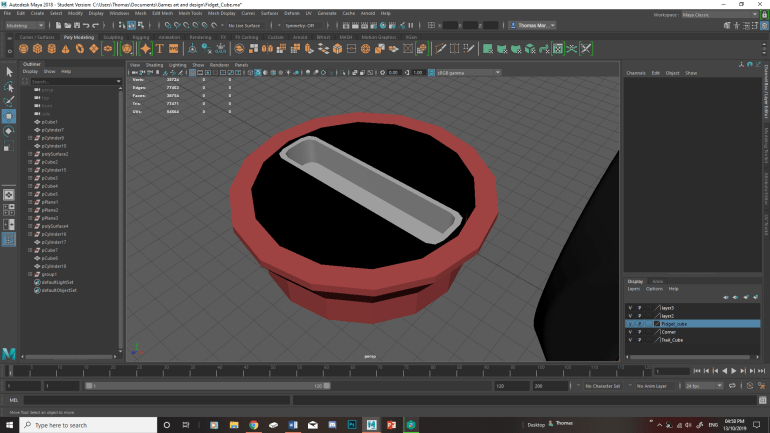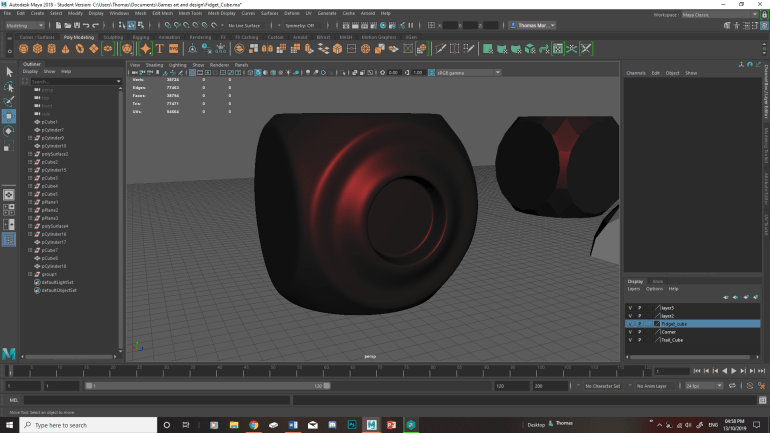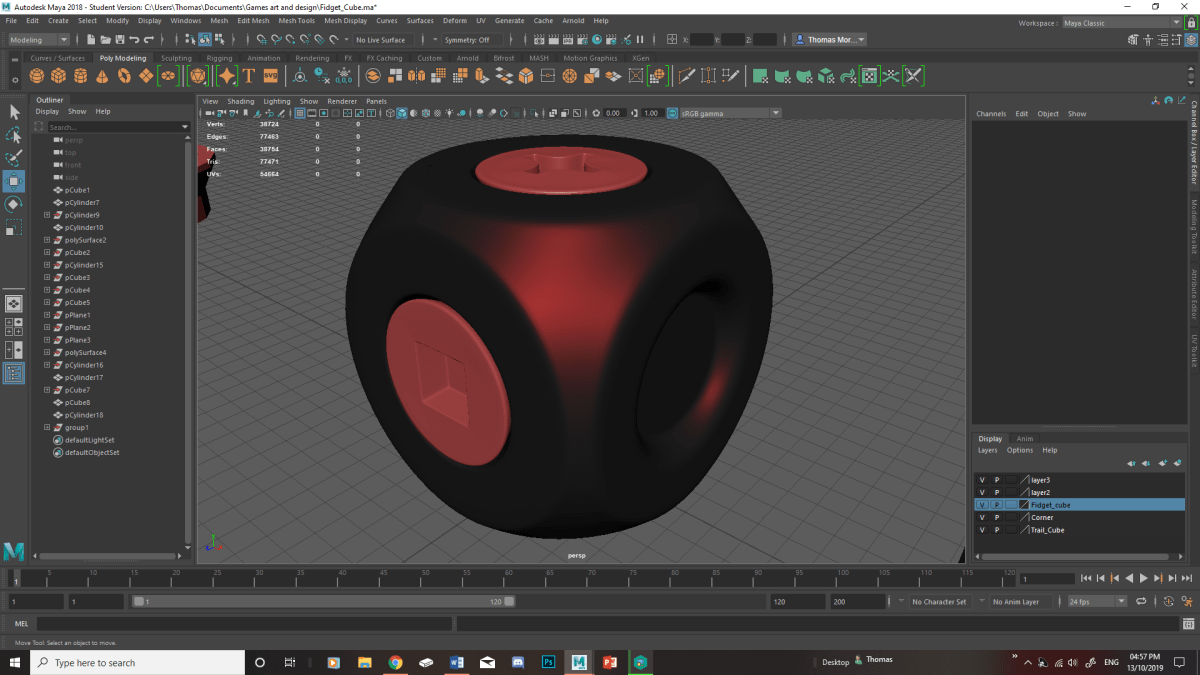
With this workshop session we were tasked with making a fidget cube using hard surfaces techniques. Which I have already covered a section of it in the first year in Assets production, so I already have an idea of what to expect in the session. With making the fidget cube we tried a variety of ways to make it. First off we adjusted the cube using the Chamfer Vertices tool, the Circularize tool and the Connect tool to add extra edge loops which allows us to adjust how smooth the curves are. With these tools I already knew the connect and Circularize tool however the Chamfer Vertices I haven’t seen before. Which I found rather useful and helpful for future projects, I will experiment with this tool in my spare time to understand how I could use it in other ways.
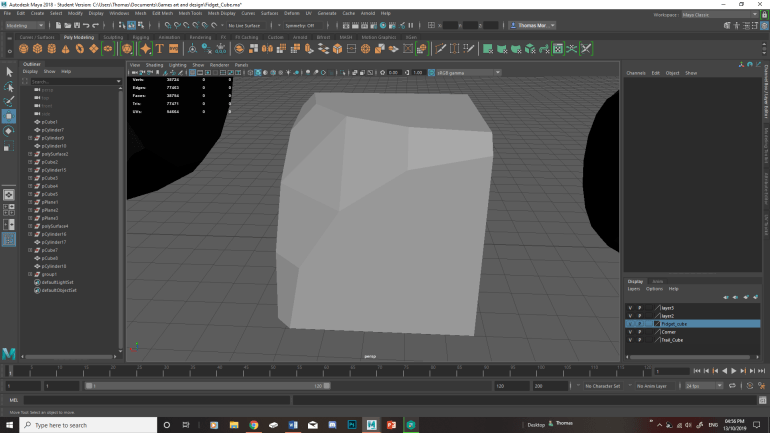
Chris then showed us two different methods to achieve a completely symmetrical cube without being to time consuming. With both of these methods they could be useful in the future. Here is a section of the cube (bellow) which I made and mirrored it to create the whole cube. I found this method interesting as I never thought of doing it this way before which I will keep in mind for the future work.
With the cube sorted we moved onto making the different types of screw heads from an Allen screw, a 4 sided one and a Phillips screw. Which allowed us to practice this method and improve on it. One issue I had during the session was keeping up with the pace of the teaching. As I got stuck on making the cross head of the Phillips screw, I should have asked for help but I wanted to see if I could figure it out myself. As we have already made a couple of screw heads before. The main issue I had was making the cross section with more detail which I could have solved by using the connect tool to add more edges making the edges smoother. In the end it turned out alright as it looks like a Phillips screw head however I could improve the smoothness by adding more edges with the connect tool. So to improve this in my spare time I will play around and improve the smoothness of the edges.
Overall this session has taught me a lot of new tools and methods with hard surface techniques. Especially with structuring the fidget cube with making smooth edges and reinforcing them. An interesting new short cut I learnt from this session was the g key which bring up the last tool used which is a time saver. After the Session I carried on with the fidget cube making a pan head screw and started on making a joystick for another fidget cube. Which has turned out alright just need to sort out some of the reinforcements.